01
Start with selection or service.
The demo dashboard offers two routes: selecting a new pump and servicing an existing one. Choose the route that matches the conversation you want to explore.
Give pump selection and service a clearer starting point—with the application, flow and head in view.
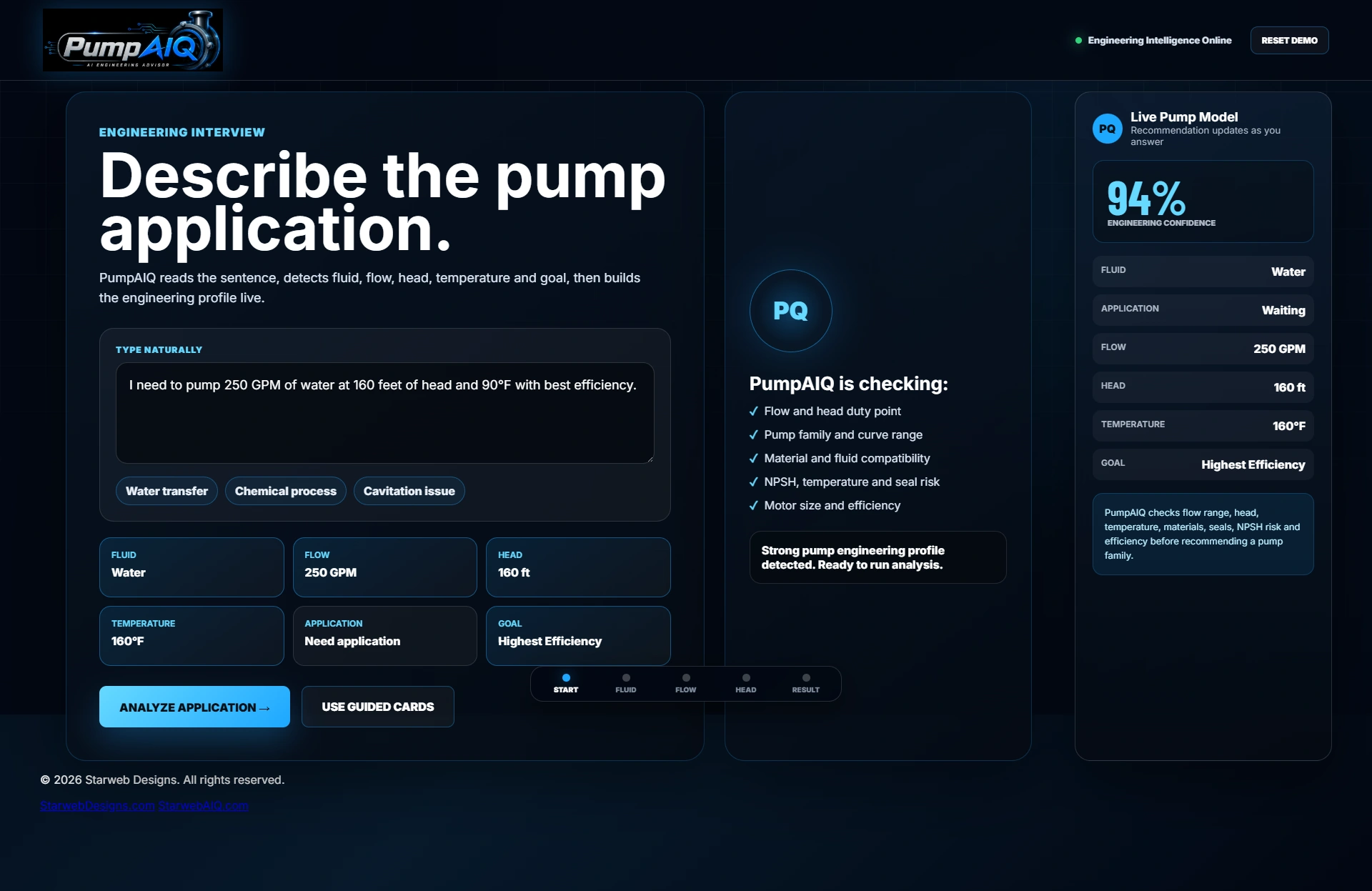
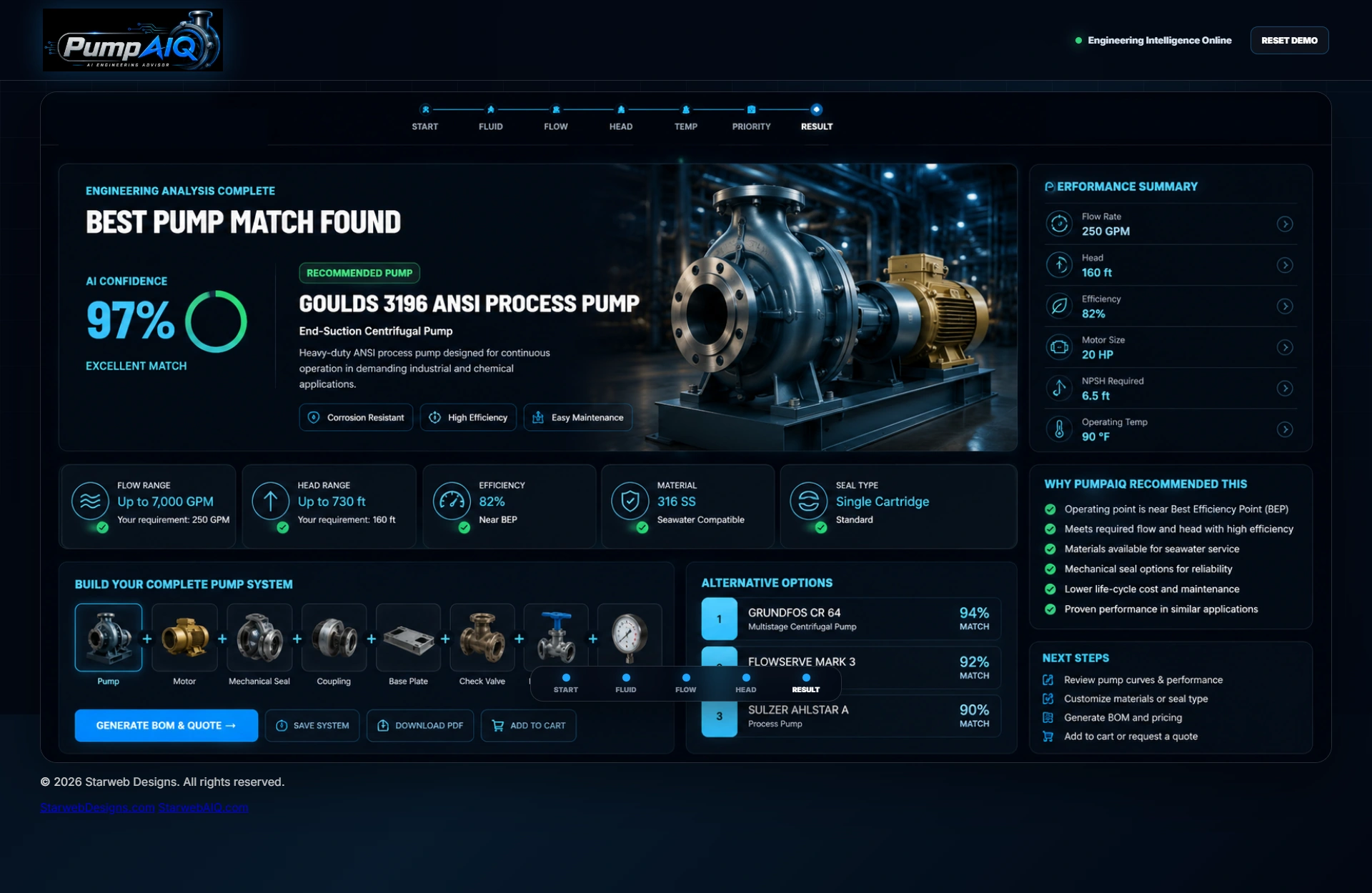
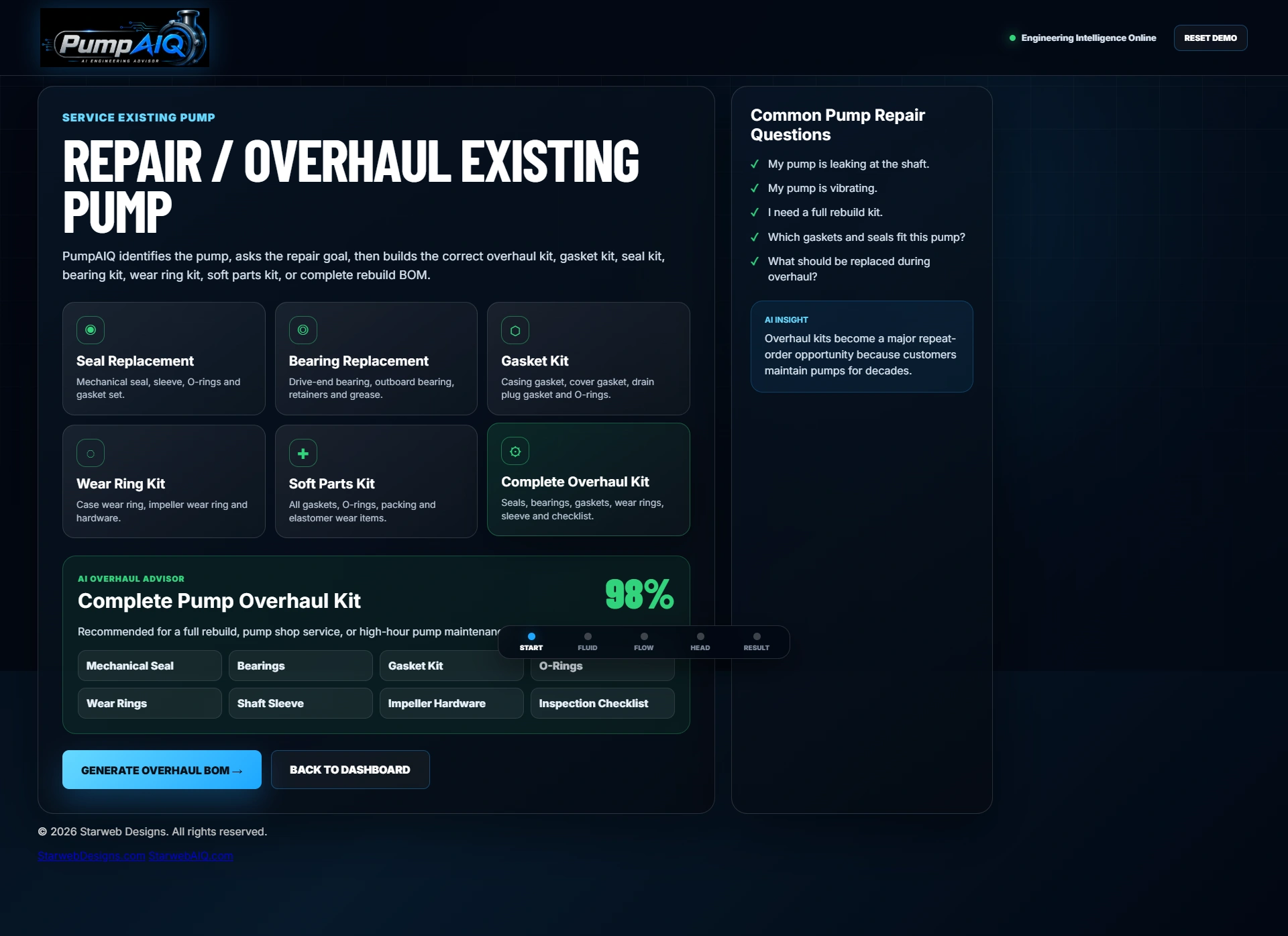
A pump journey with two starting points: select a new pump or explore service for an existing one. These captures follow the current demonstration’s inputs and repair-kit controls.
The demo dashboard offers two routes: selecting a new pump and servicing an existing one. Choose the route that matches the conversation you want to explore.
Try a sample description with fluid, flow, head, temperature and a goal. The live input panel responds to the description and brings the detected duty details into view.
The guided route starts with choices such as water, seawater, oil or chemicals, followed by the application. These inputs frame the sample selection journey.
Use the flow control to explore the capacity requirement. The demonstration shows the selected GPM value alongside the developing application profile.
Adjust the head control, then continue through temperature and the operating priority. The demo makes these duty inputs visible before its analysis sequence.
The analysis sequence leads to an illustrative result dashboard. This screen presents the intended selection experience; its shown results and metrics are sample artwork, not a validated engineering calculation.
Return to the service path and choose seals, bearings, gaskets, wear rings or a complete overhaul. The interactive panel updates with sample kit contents for the selected service type.
Demonstration only. The result dashboard and some dashboard features are illustrated concepts; pump-family matches, kit contents and metrics are sample data. Verify duty points, suction conditions and parts compatibility with a qualified supplier before use.
Explore the selection journey, then try the repair and overhaul route.
Some customers are planning a new duty. Others are dealing with a pump that needs attention. PumpAIQ brings those conversations into one demonstration, with separate selection and service paths.
Try it for yourselfDescribe the pumping application, or choose the service route for an existing pump.
Explore fluid, application, flow, head, temperature and priority through guided inputs.
Try the overhaul choices and inspect sample kit contents before discussing your real catalog and compatibility requirements.
Give customers a place to explain what their system needs. PumpAIQ demonstrates how a guided selection and service experience could sit alongside your pump range, technical expertise and existing website.
Add a guided selection experience.
Keep your existing website.
The demo uses sample data. Your production scope is agreed individually.