01
Start with what they know.
A vehicle, a paint code, a label or a scratch: the workstation brings several ways into the same repair conversation. Explore the clickable areas of the actual presentation demo.
Bring the vehicle, paint question and repair products into one guided experience—and give customers a more useful place to begin.
Explore the actual presentation: start at the workstation, follow the assistant, try the vehicle, code and label routes, then review a sample result, repair kit and returning-customer view.
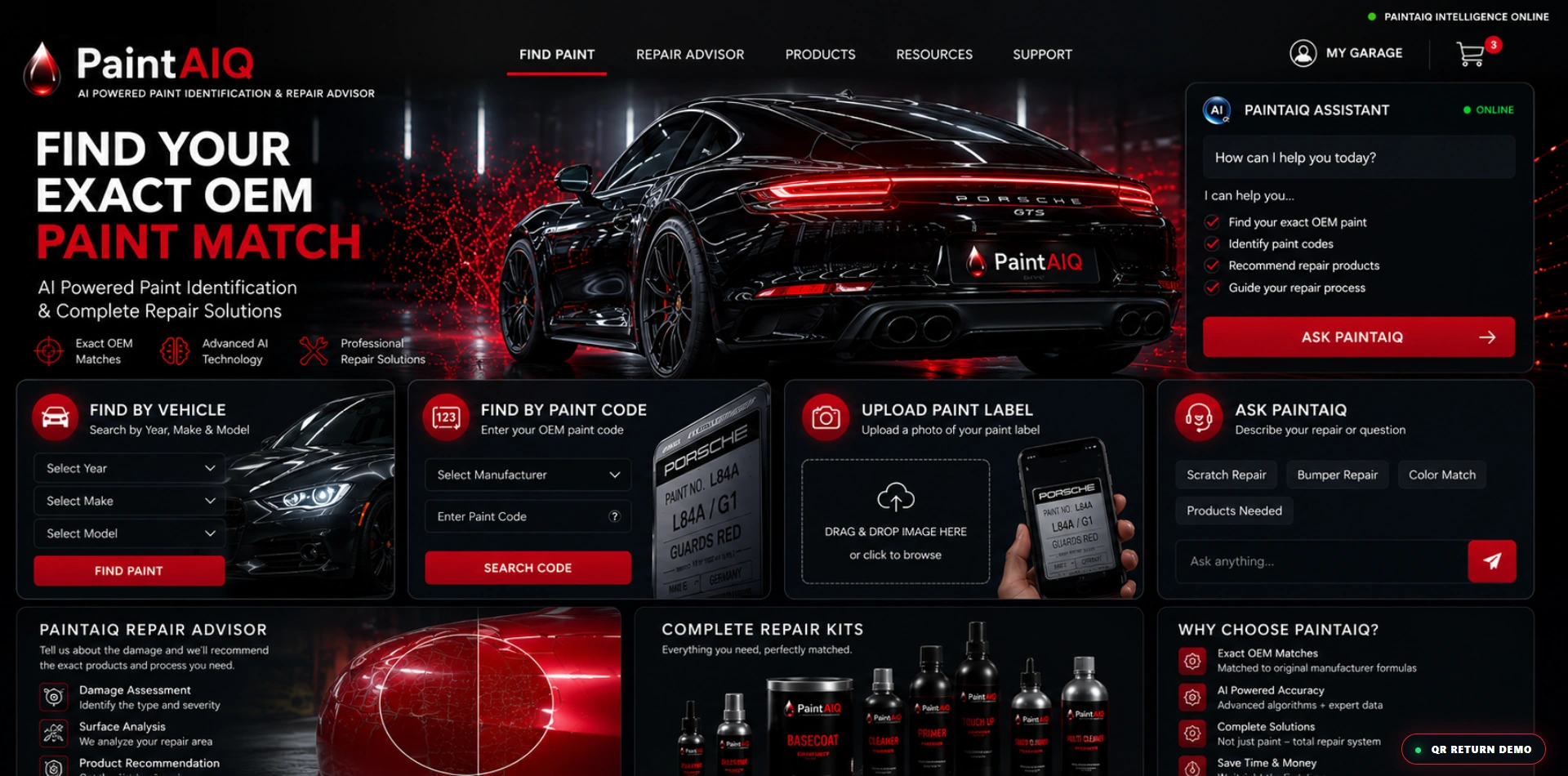
A vehicle, a paint code, a label or a scratch: the workstation brings several ways into the same repair conversation. Explore the clickable areas of the actual presentation demo.
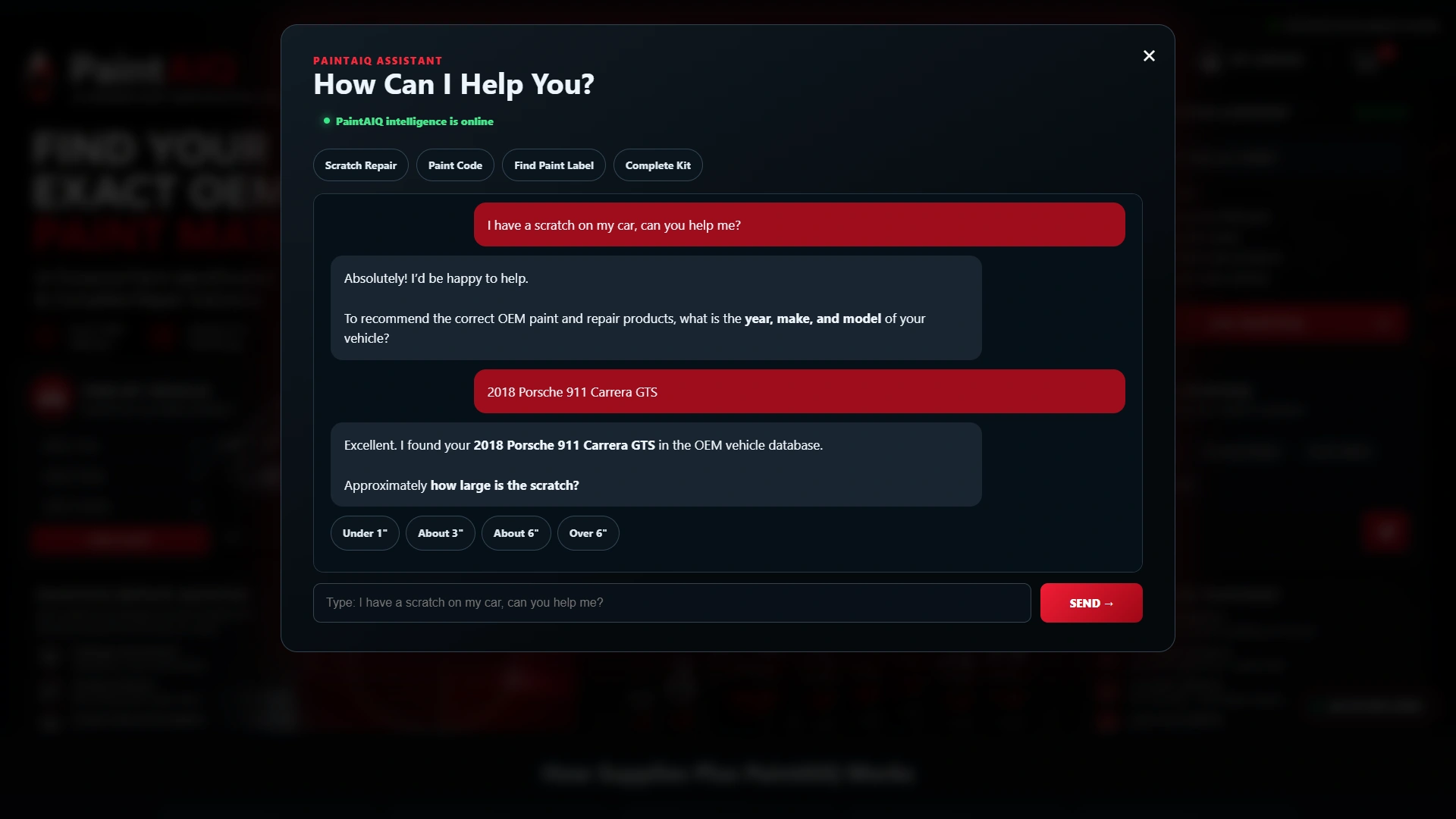
The sample assistant asks for the vehicle and scratch size before presenting a repair recommendation. This captured conversation follows a 2018 Porsche 911 Carrera GTS; responses are scripted for the demonstration.
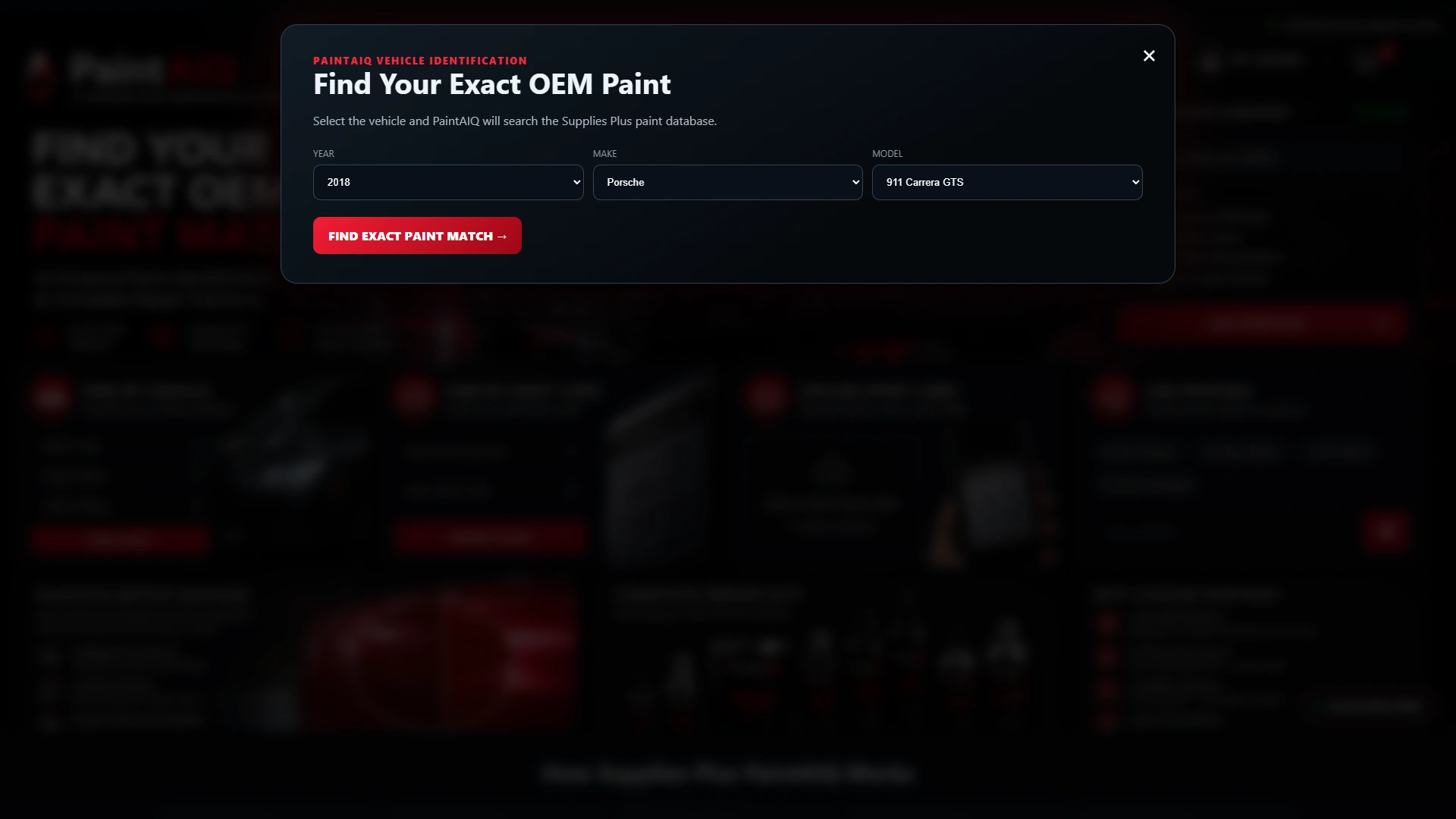
Choose a year, make and model to see how a vehicle-led search could work. The current demo uses a fixed Guards Red example rather than a connected vehicle or paint-formula database.
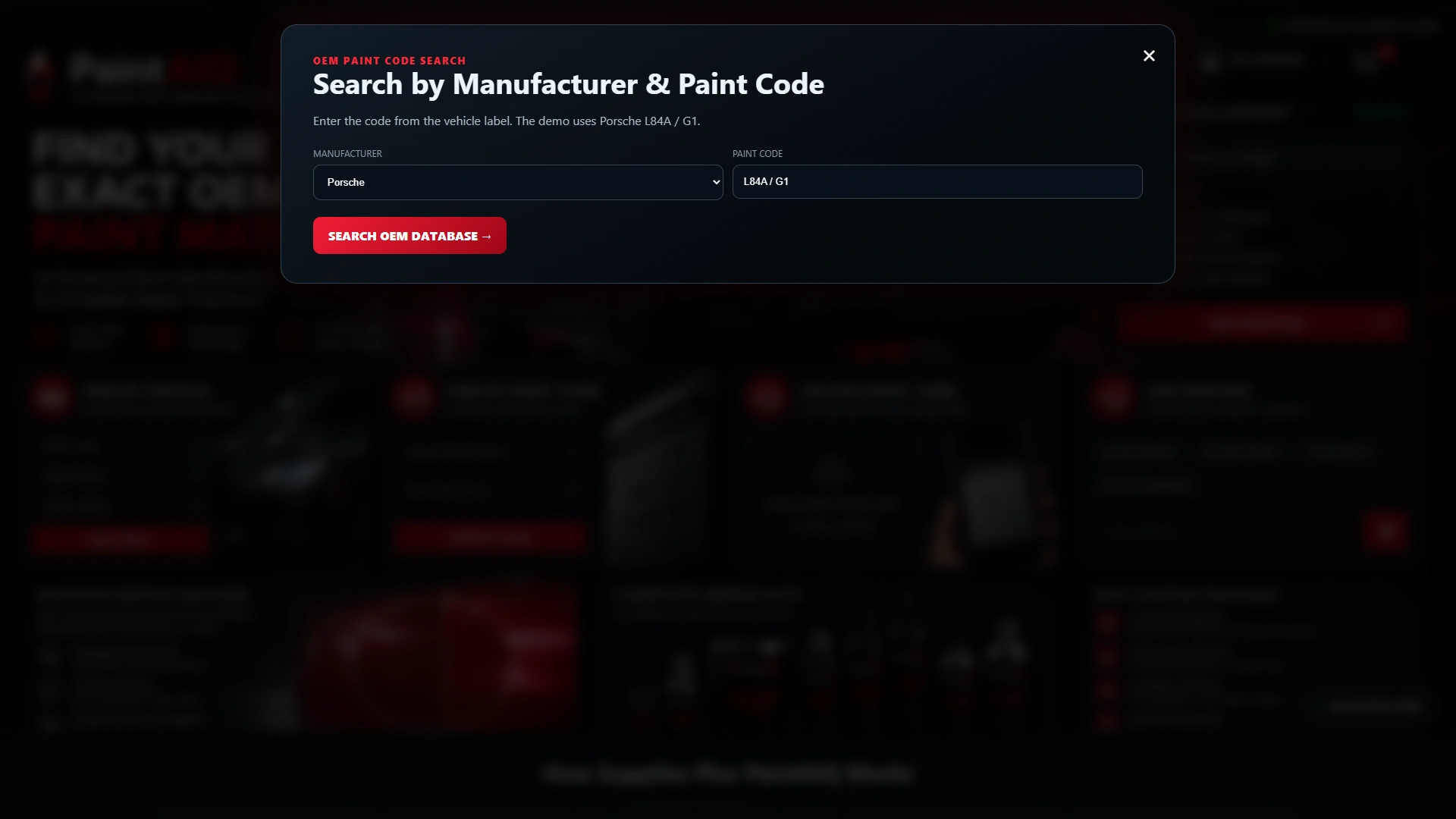
Already know the code? The manufacturer and paint-code screen offers a direct route. The sample uses Porsche L84A / G1; production code lookup and formula data would be scoped around your suppliers.
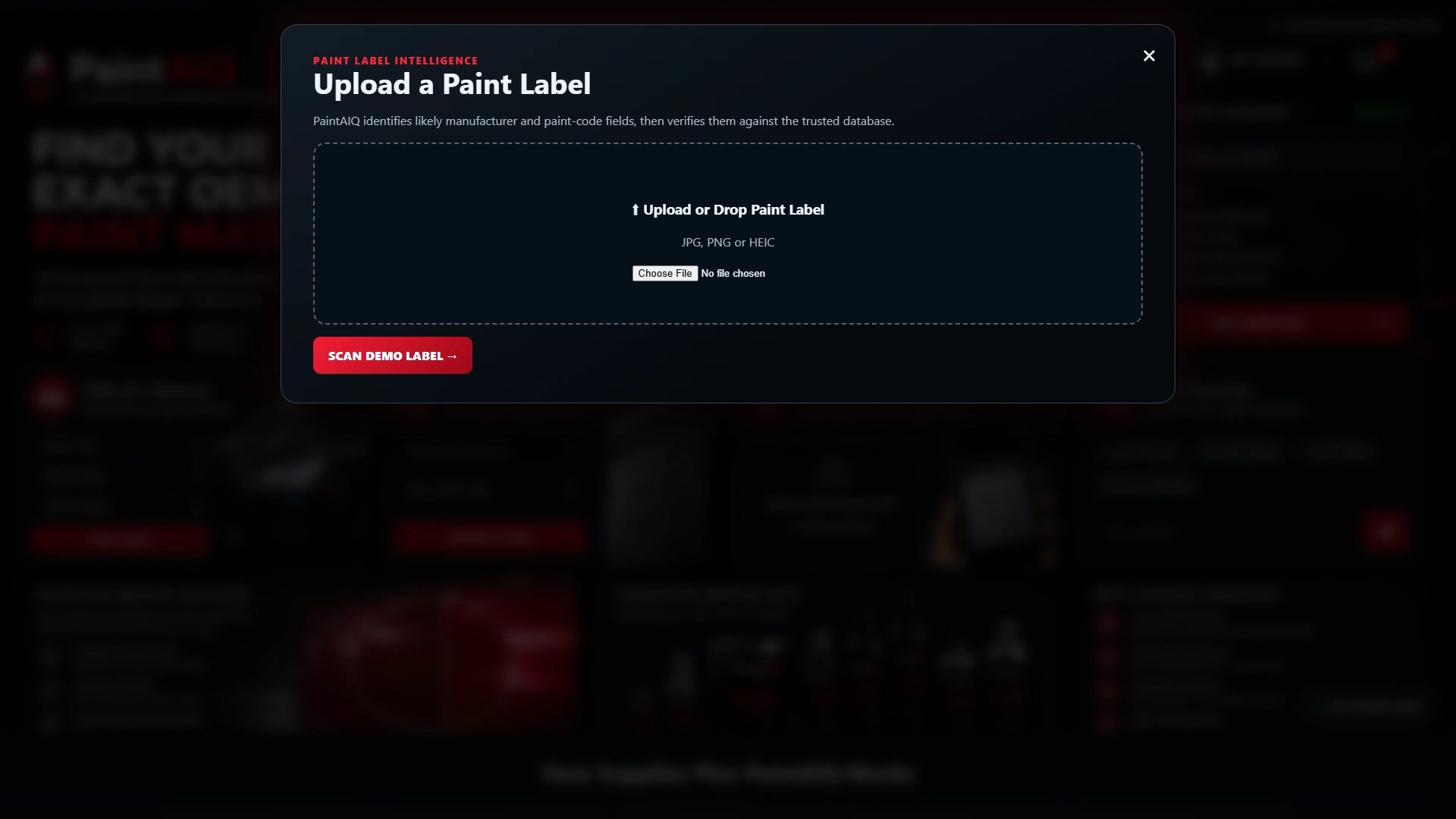
The label screen previews a photo-led entry point. Its Scan Demo Label button runs a predefined example; this demonstration does not recognize or verify an uploaded label.
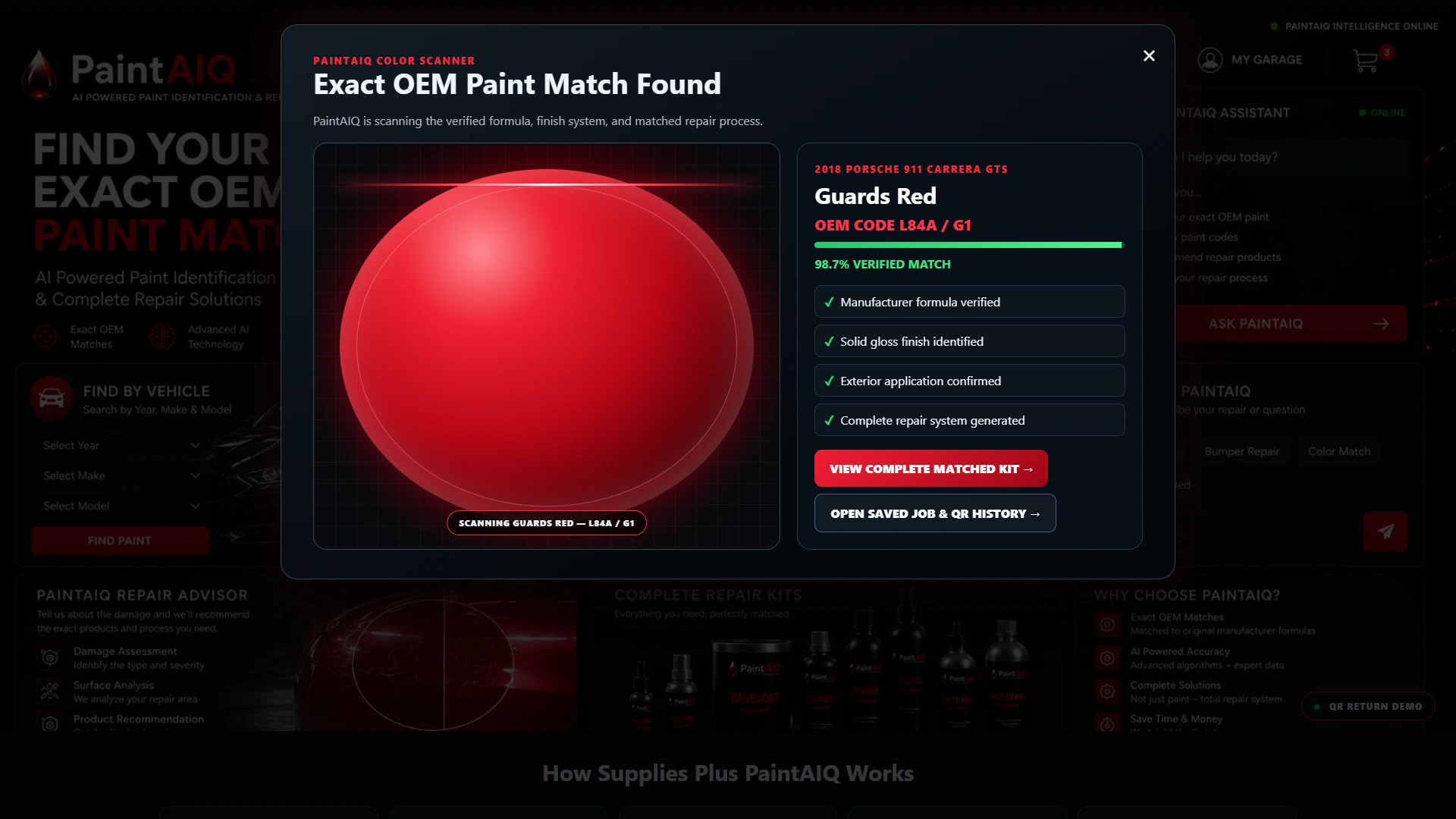
The result brings the sample vehicle, Guards Red code and next steps together. Its match percentage and verification labels are illustrative demo values, not measured recognition accuracy or a guaranteed color match.
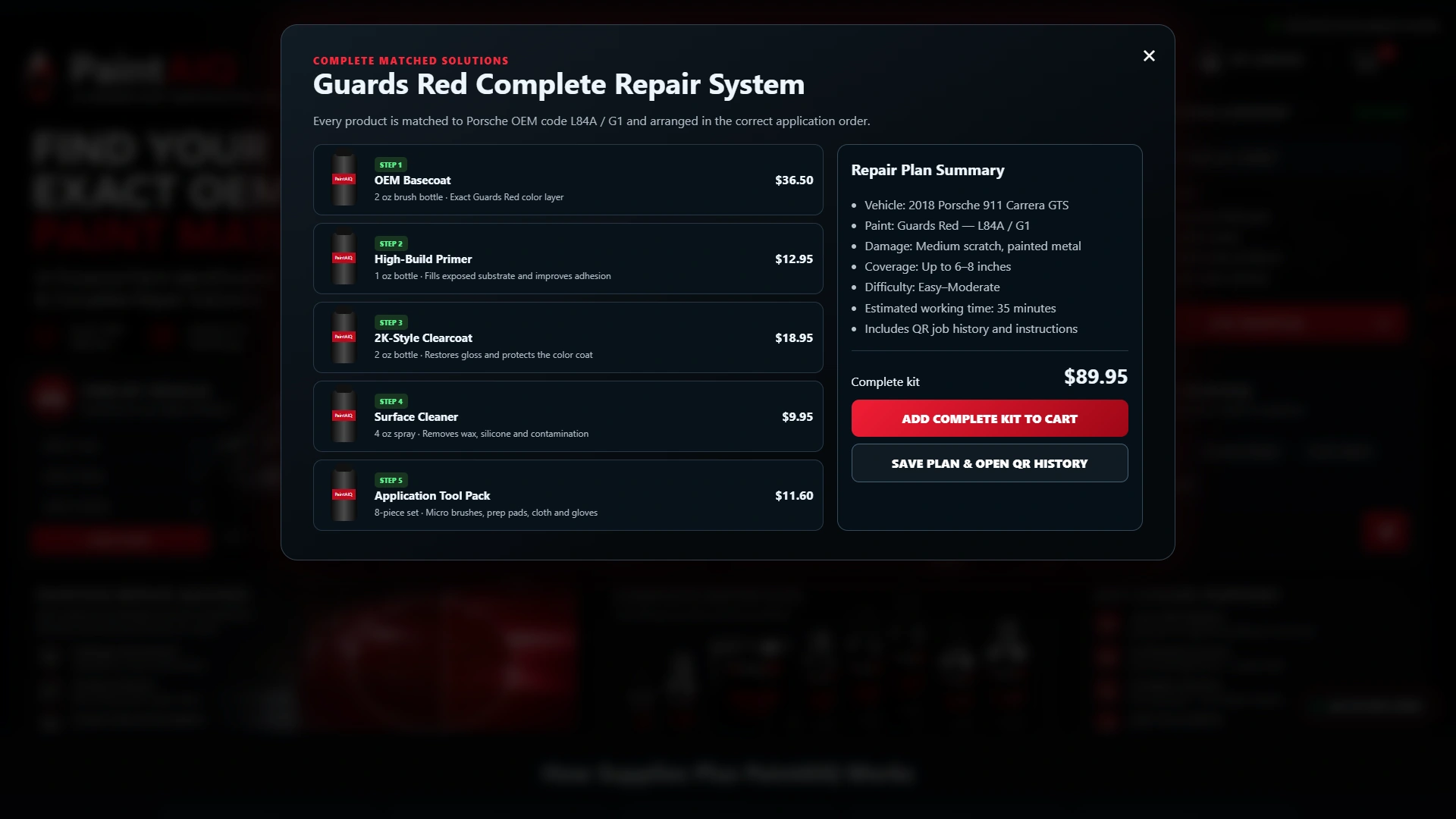
The sample kit groups basecoat, primer, clearcoat, cleaner and tools beside the repair summary. Products, prices and repair estimates are illustrative; the cart button is a presentation action, not a connected checkout.
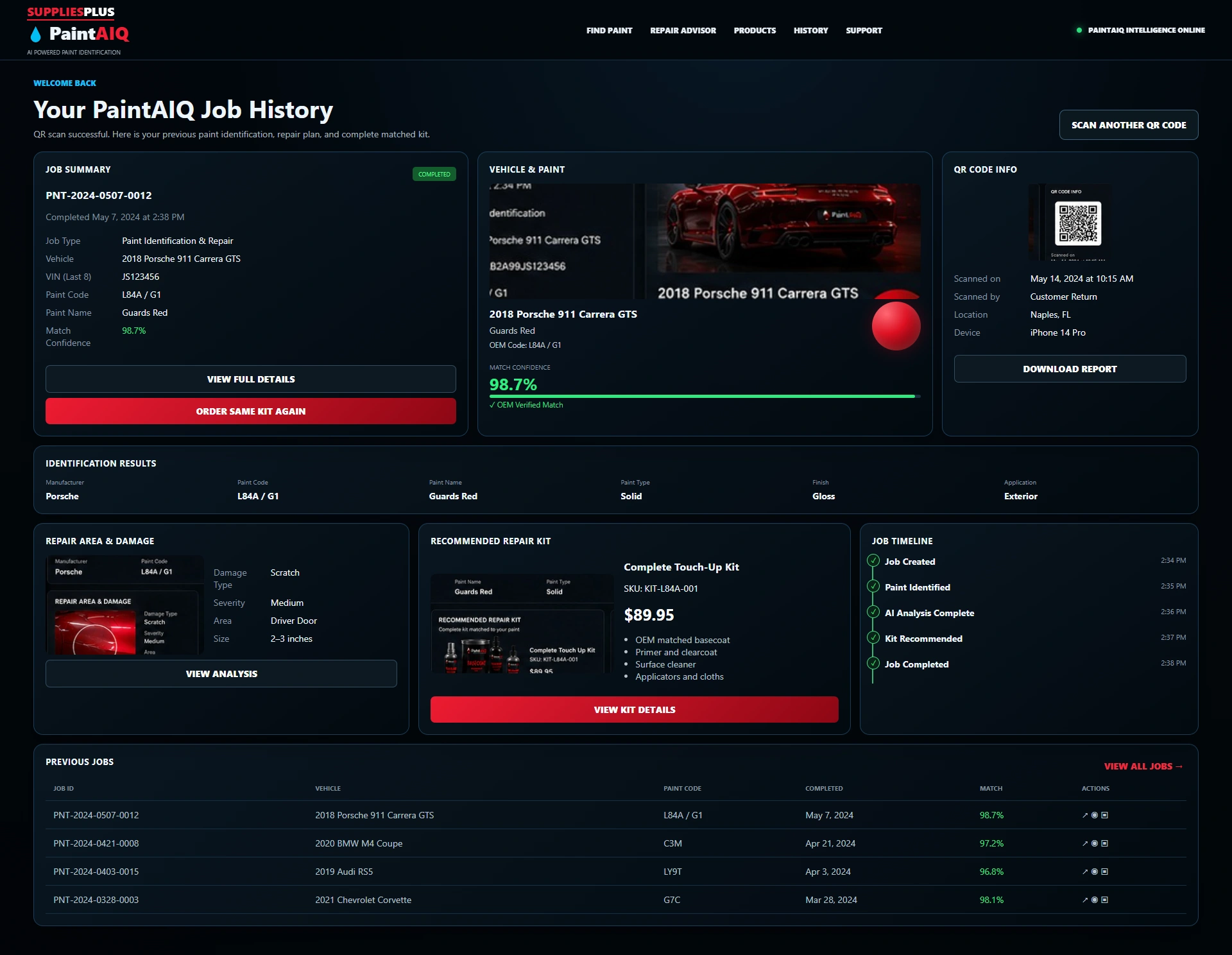
The QR-return route opens a prepared job-history page with a sample vehicle, paint information, repair details and previous jobs. It demonstrates the return experience without saving customer jobs or orders.
Actual presentation-demo screens. Vehicle, paint match, confidence, prices and job history are sample data. Recognition, formula lookup, checkout and customer records are not connected. Production data and integrations are scoped individually.
Try the sample repair journey, then imagine it around your products, supplier data and customer service.
Customers may arrive with a vehicle, a code or a simple question about a scratch. Give them a familiar starting point, then bring the paint information and repair products into the same conversation.
Try it for yourselfVehicle details, a manufacturer code, a label or a guided conversation offer different ways into the sample experience.
The demonstration places the sample paint result beside the vehicle and repair details, then introduces the products in the prepared kit.
A prepared QR-return page shows how paint details, repair information and previous jobs could stay together. Customer accounts, job storage and ordering can be discussed as part of your integration.
Give customers another way to explore your paint and repair products. PaintAIQ demonstrates a guided experience that can be planned around your supplier information, catalog and existing website.
Add a guided selection experience.
Keep your existing website.
The demo uses sample data. Your production scope is agreed individually.