
01
Explore the gear engineering experience.
The public demo introduces a gear-identification workstation and its proposed workflow. Catalog totals, identification scores and response-time figures shown here are illustrative demo content.
Bring dimensions, gear type and application together—and give the technical conversation somewhere to start.
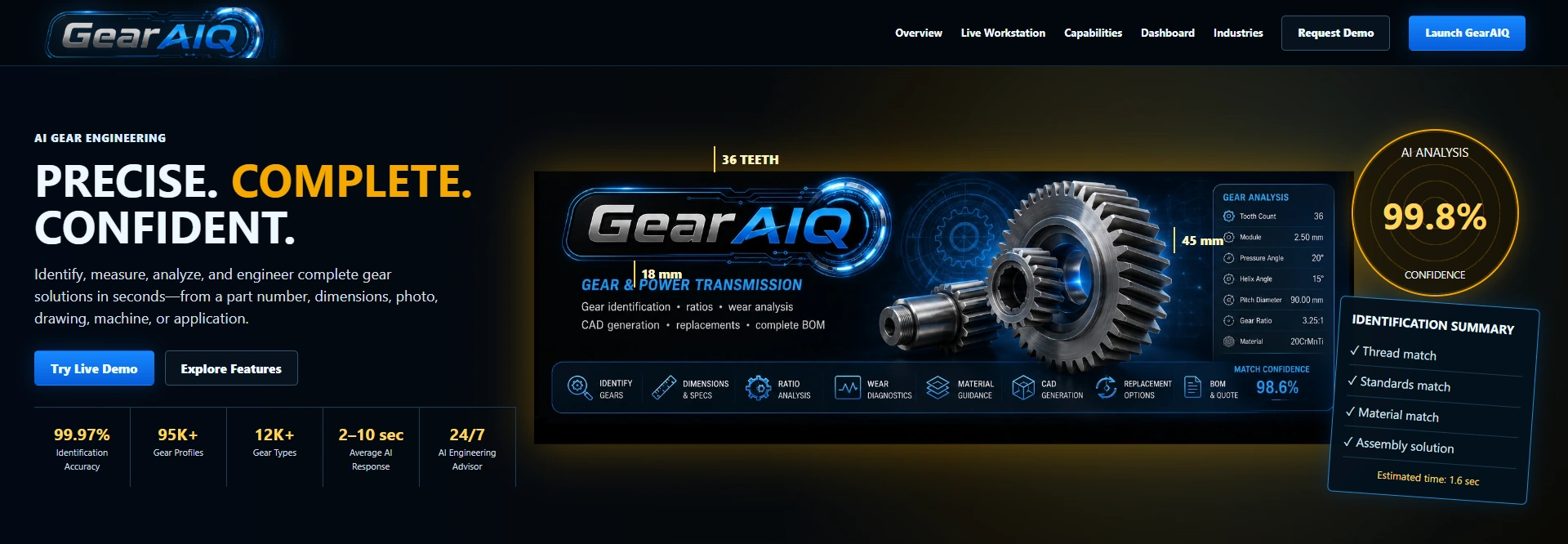
Explore the actual workstation: enter dimensions, choose gear type, material and application, follow the sample analysis, then inspect its illustrated result.
The public demo introduces a gear-identification workstation and its proposed workflow. Catalog totals, identification scores and response-time figures shown here are illustrative demo content.
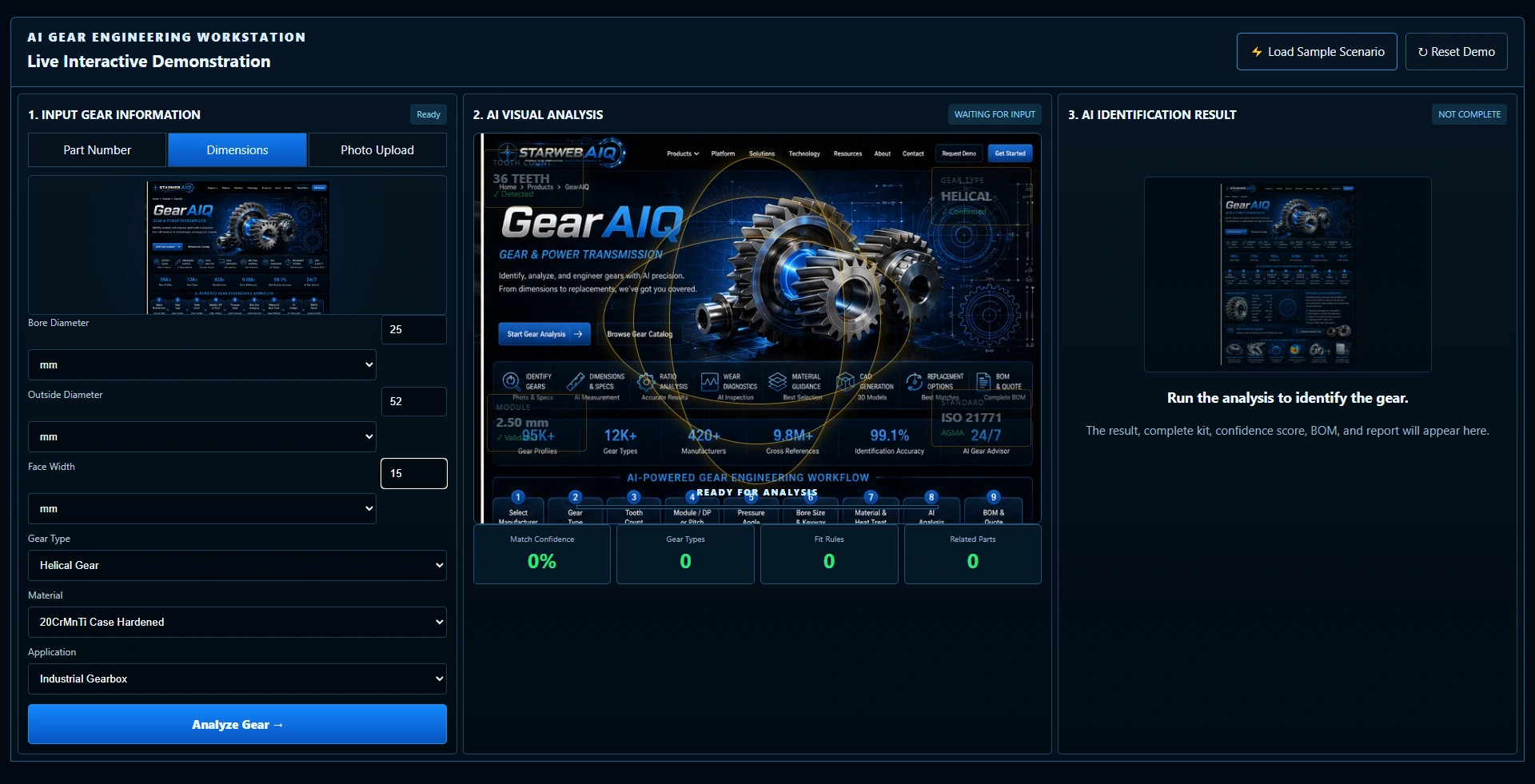
Enter bore diameter, outside diameter and face width, then choose gear type, material and application. This example uses the actual dimensional controls with a helical gear, case-hardened material and industrial gearbox selected.
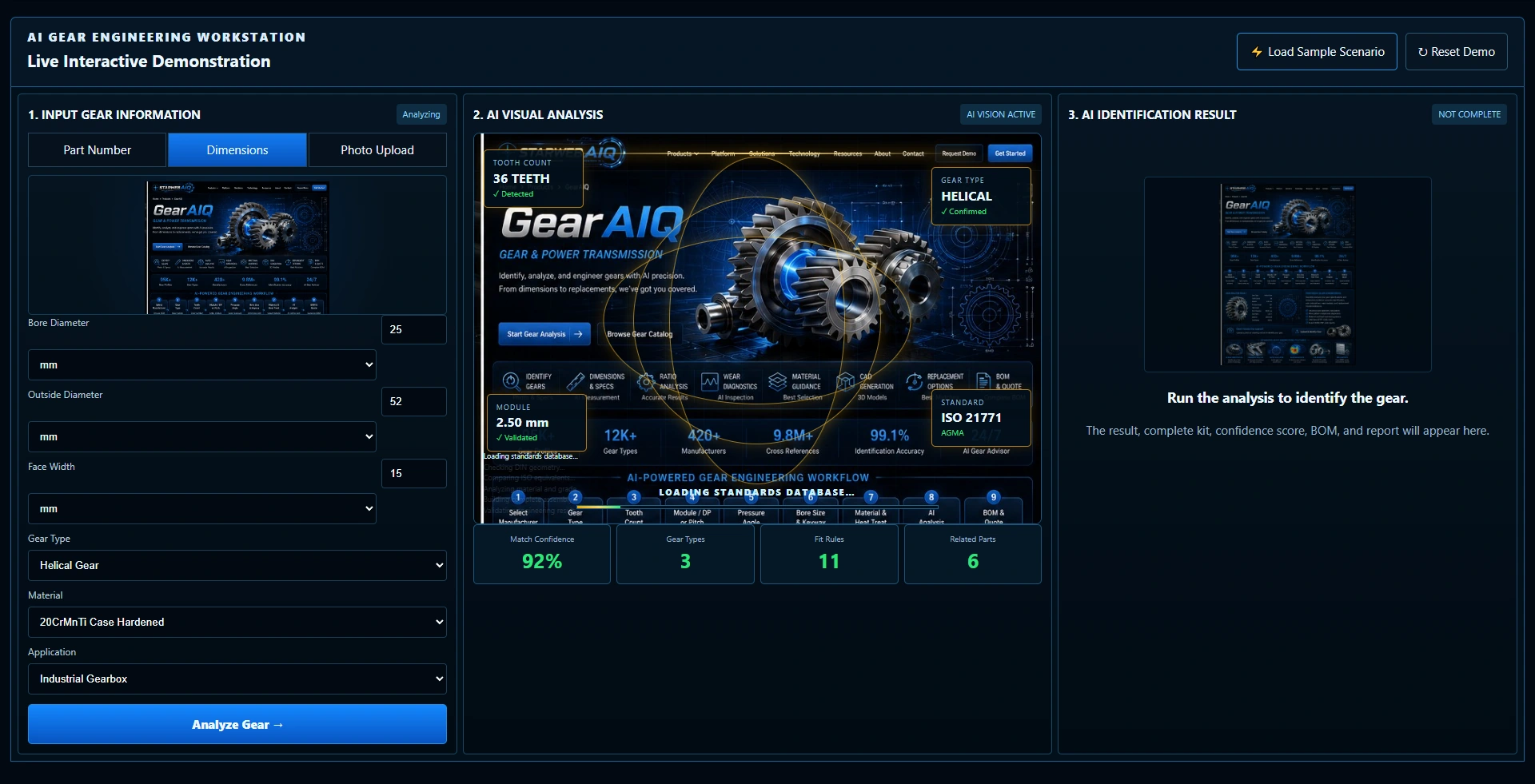
Watch the visual analysis, progress stages and sample counters change. This sequence illustrates the interface direction; it is not evidence of a connected catalog search or verified geometry calculation.
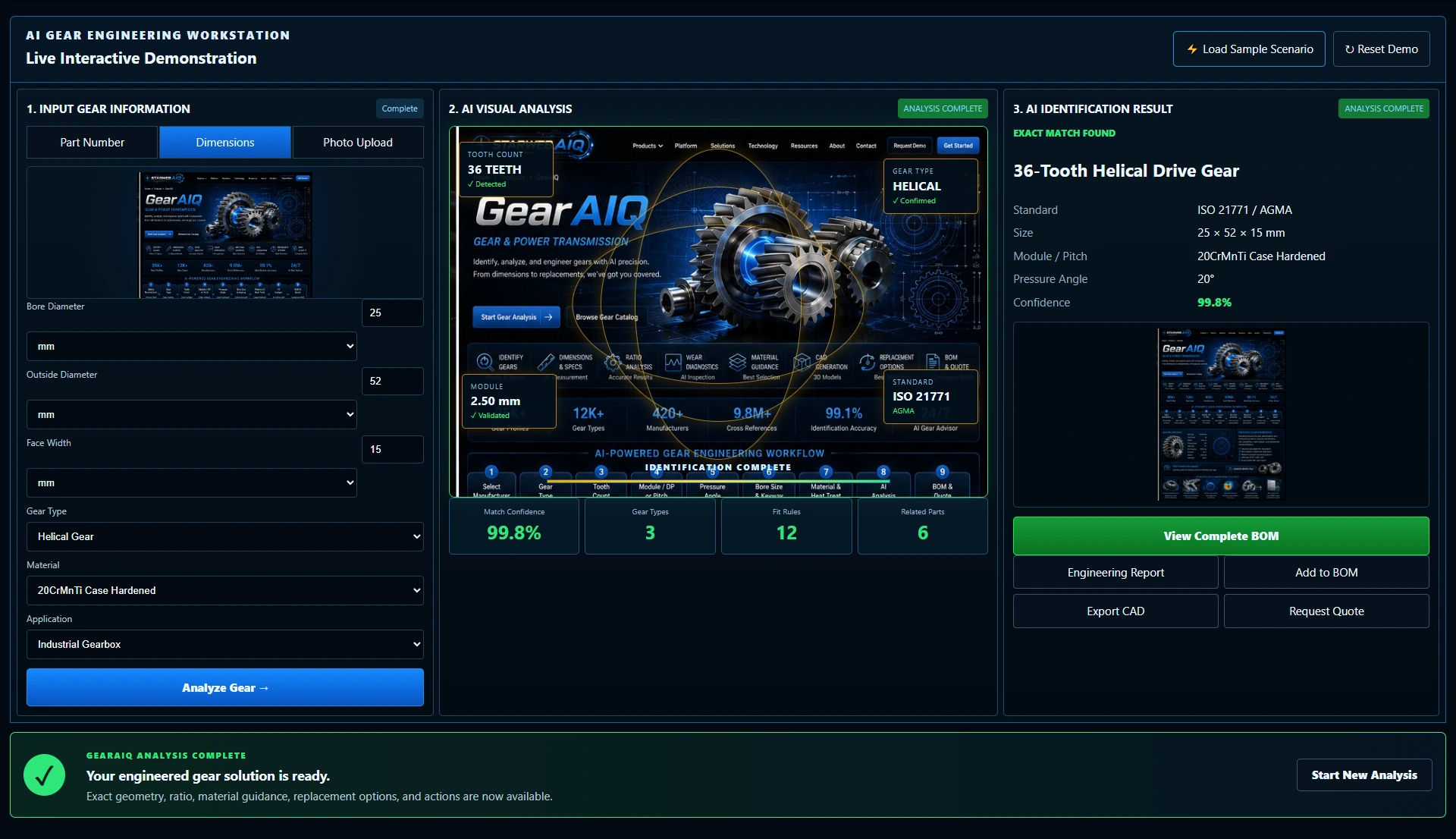
The completion message gives the visitor a clear next step. Open the result to keep exploring the workstation with the entered details alongside it.
The demo presents a 36-tooth helical drive gear, a sample identification score and result details beside the input panel. These are demonstration outputs; gear geometry, material suitability, mating compatibility and operating conditions still need technical verification.
Actual demonstration screens with sample outputs. Scores, standards labels, geometry and result details are illustrative. Confirm tooth geometry, module or pitch, pressure angle, ratio, material, lubrication and operating conditions with the manufacturer or a qualified supplier. Catalog, CAD and ordering connections are scoped individually.
Try the workstation, then review the sample result alongside its inputs.
A customer might arrive with dimensions, a worn component or an application that needs attention. Give that conversation a useful starting point before working through gear geometry, mating components and the demands of the drive.
Try it for yourselfThe dimensional route combines bore, outside diameter and face width with gear type, material and application choices.
The demonstration keeps the entry panel, visual analysis and sample gear result together in one workstation.
Use the demonstration to discuss your gear range, application support and the catalog, drawing or cross-reference connections your business needs.
Give customers another way to explain their gear requirements. GearAIQ demonstrates a guided starting point that can be planned around your products, technical knowledge and existing website.
Add a guided selection experience.
Keep your existing website.
The demo uses sample data. Your production scope is agreed individually.