01
Explore FastenerAIQ.
The public demonstration introduces a fastener workstation and a route from part details to an assembly concept. Accuracy figures, catalog totals and response-time claims shown in the demo are illustrative.
Bring dimensions, grade and related hardware together—and give customers a clearer starting point for the whole assembly.
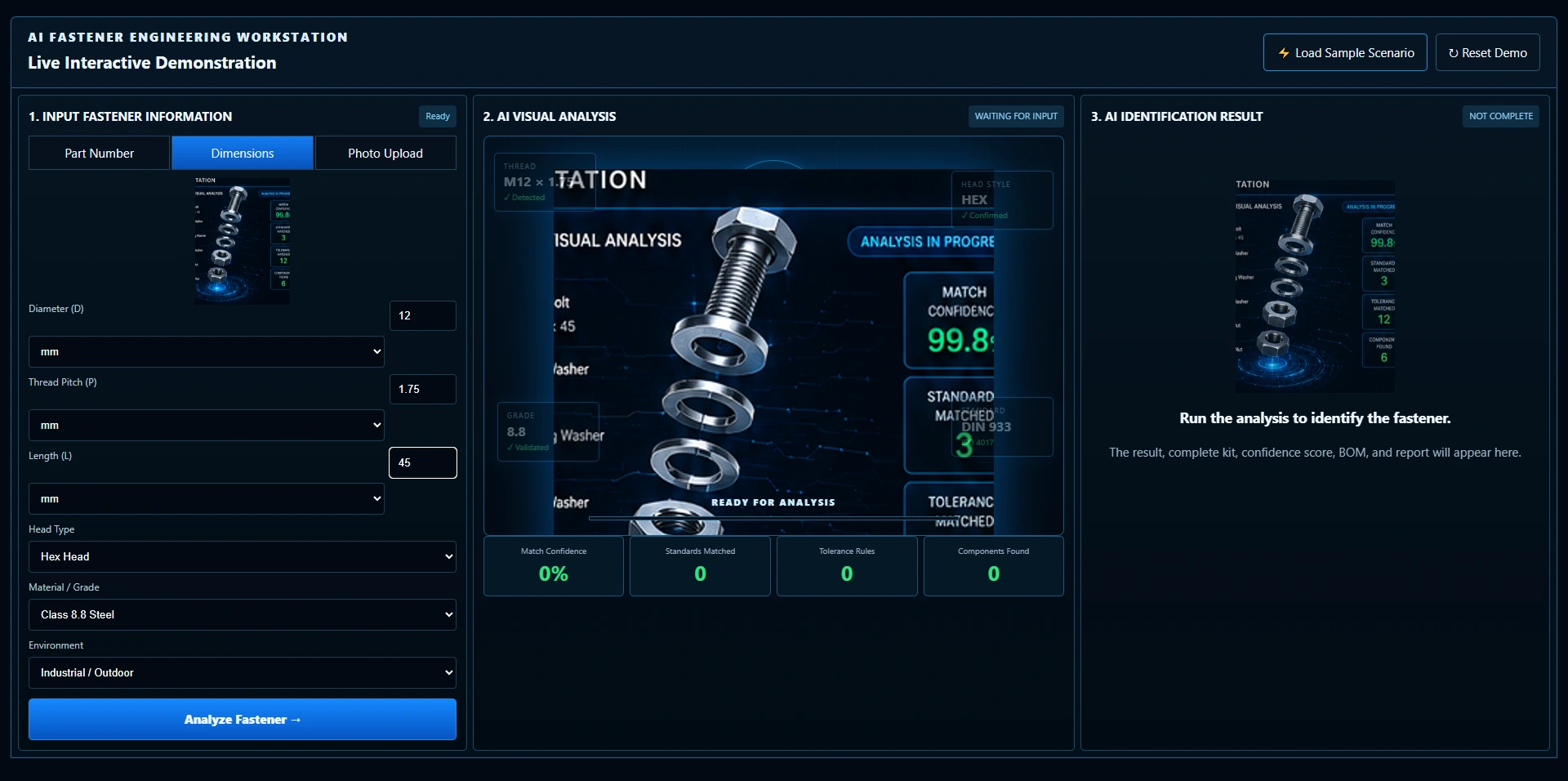
Explore the actual workstation: enter dimensional details, choose grade and environment, follow the sample analysis, then open its kit, bill of materials and report.
The public demonstration introduces a fastener workstation and a route from part details to an assembly concept. Accuracy figures, catalog totals and response-time claims shown in the demo are illustrative.
Enter diameter, thread pitch and length, then choose head type, material or grade, and environment. This example uses the actual dimensional controls for an M12 hex-head fastener with class 8.8 steel selected.
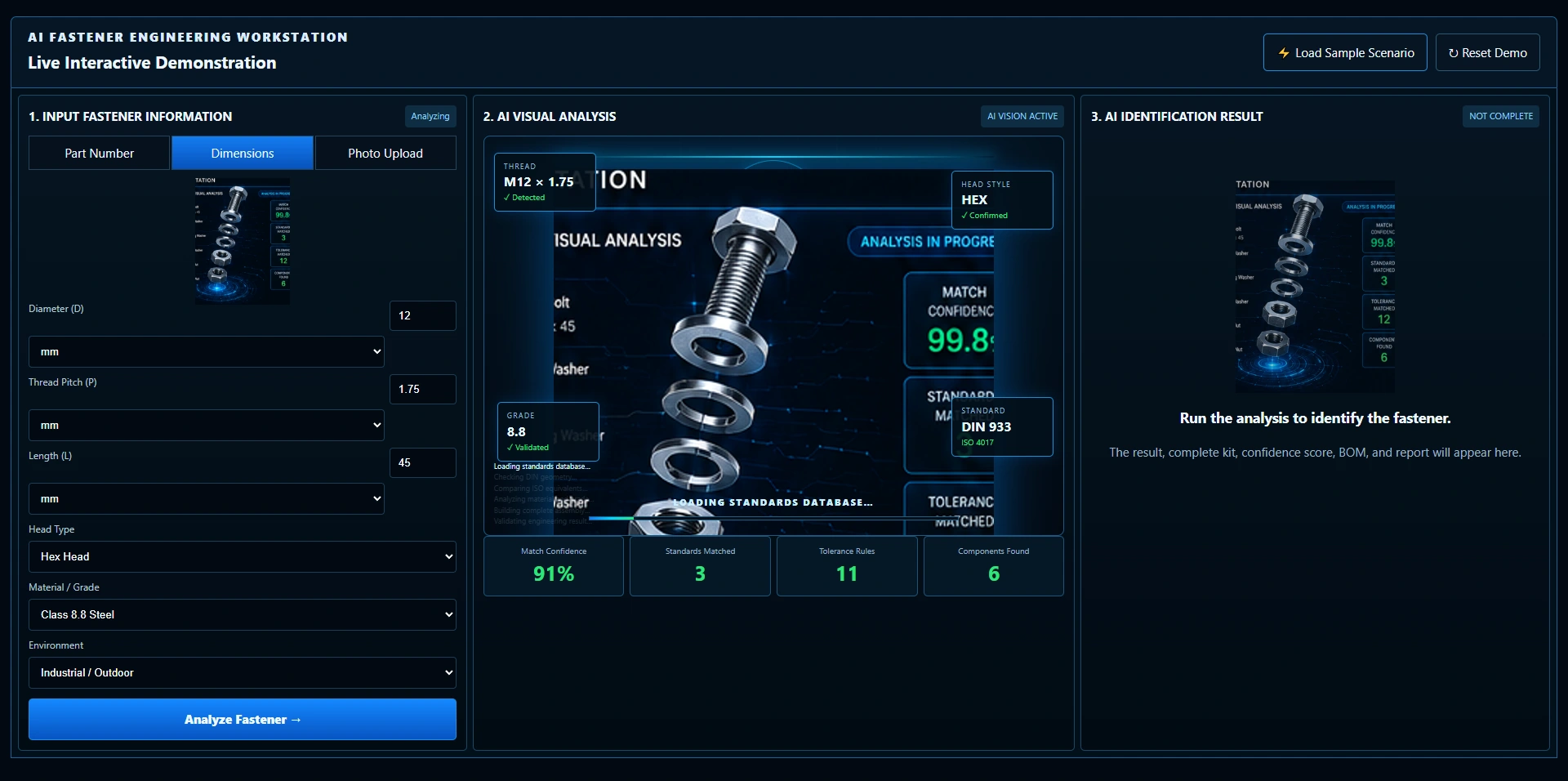
Watch the visual analysis, progress stages and sample counters change as the demonstration runs. This sequence shows the intended interface, rather than a verified standards search or engineering calculation.
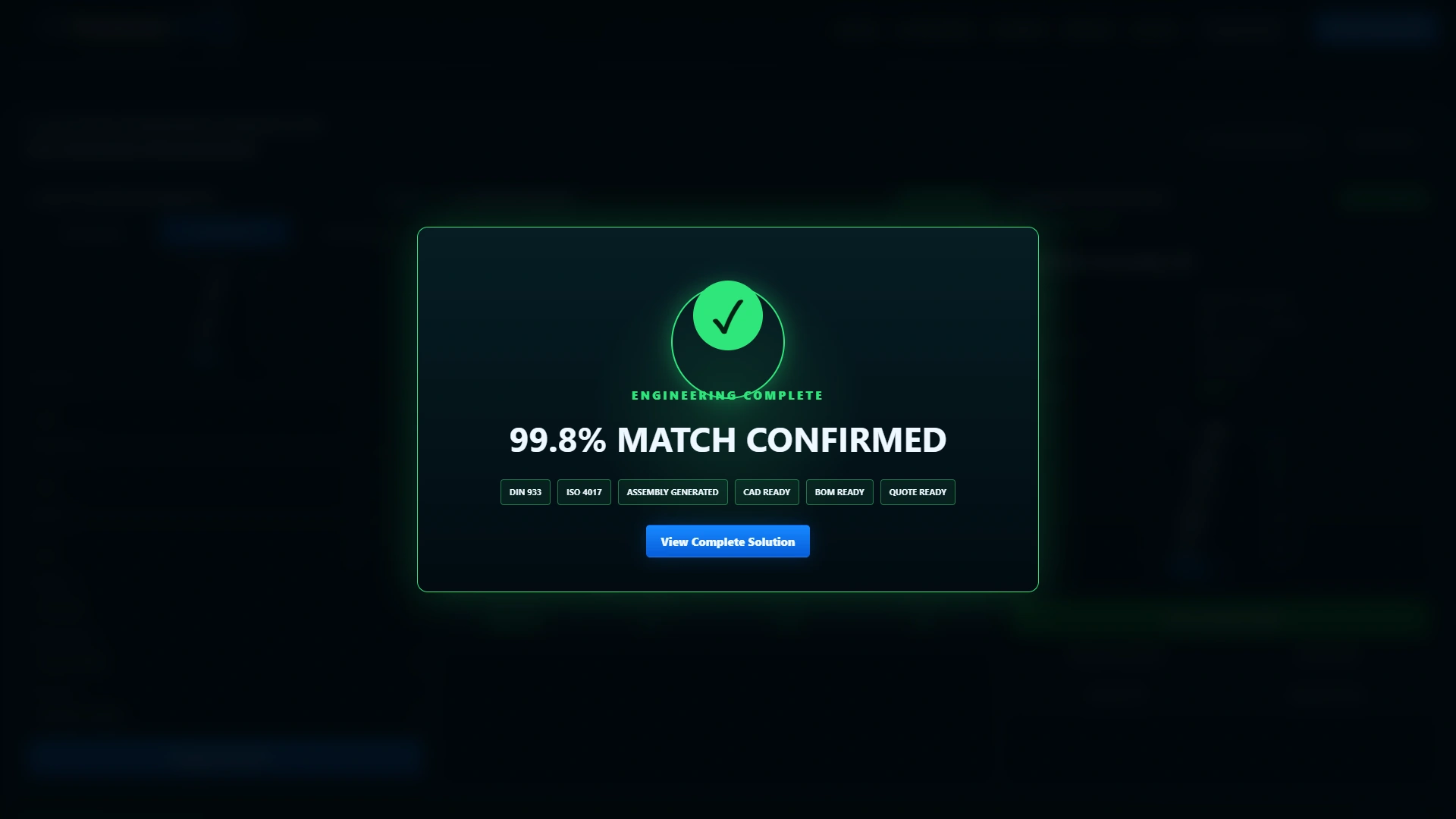
A completion message gives the visitor a clear next step. Open the result to explore the sample assembly with the entered dimensions and grade still alongside it.
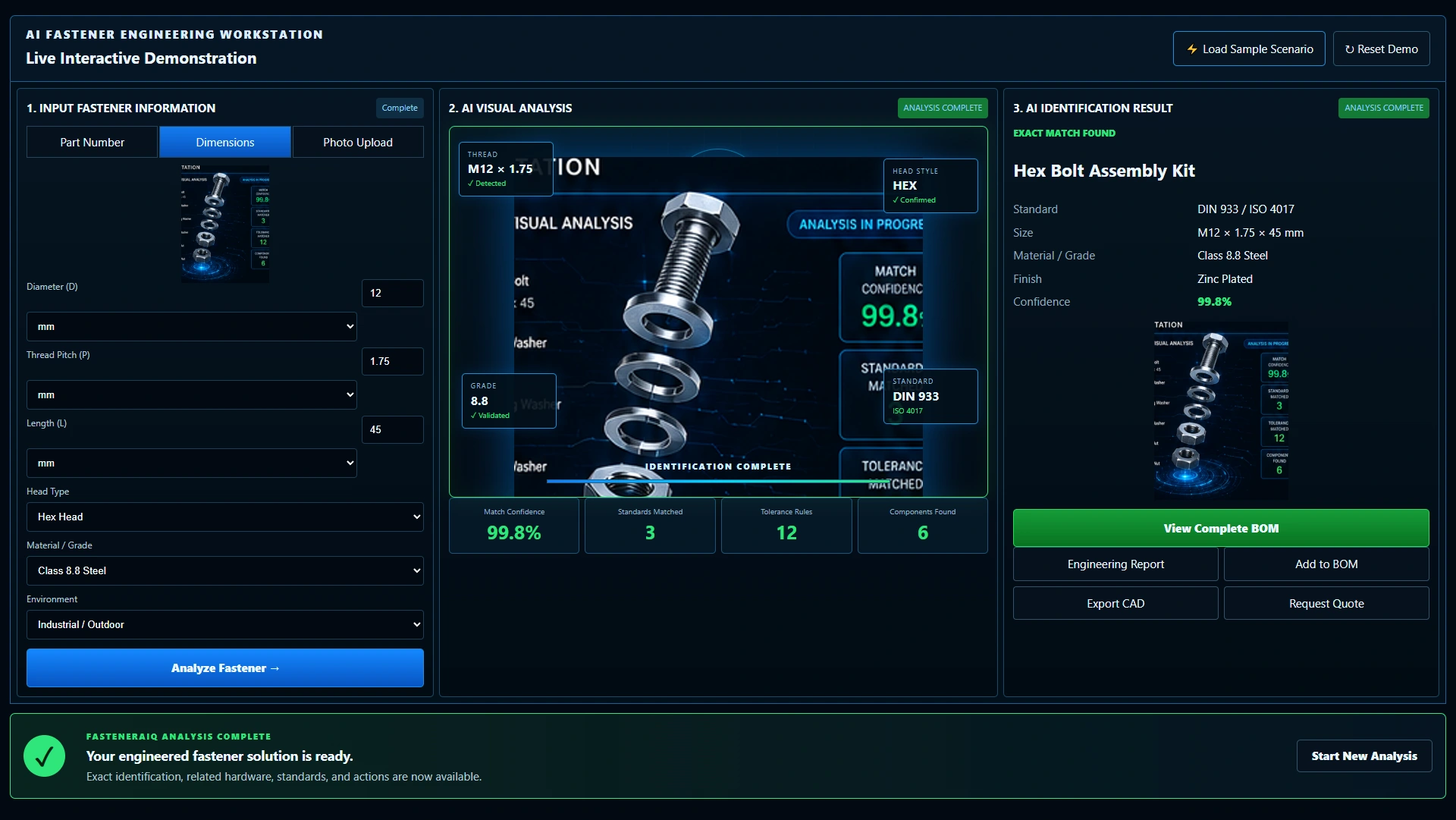
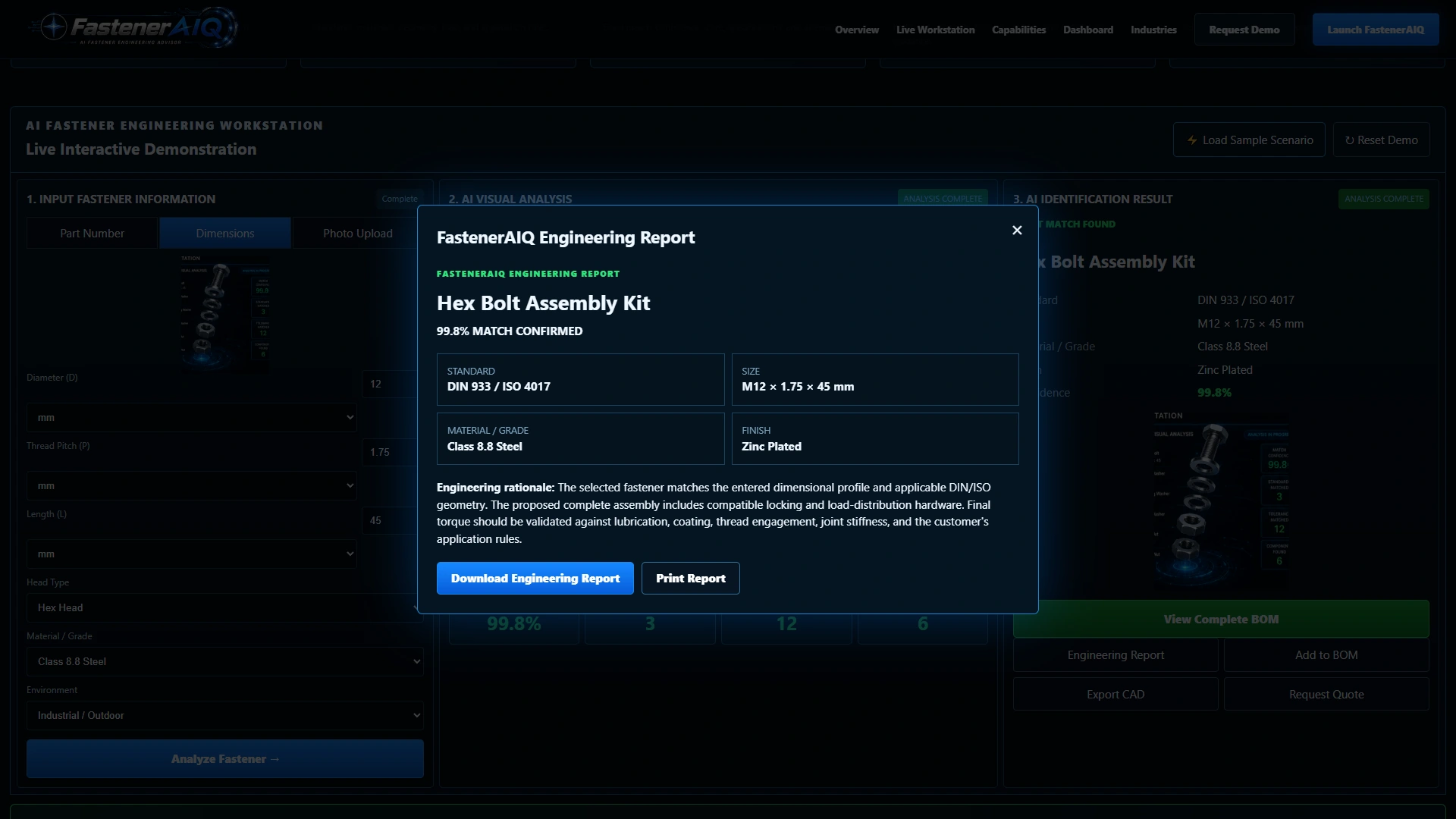
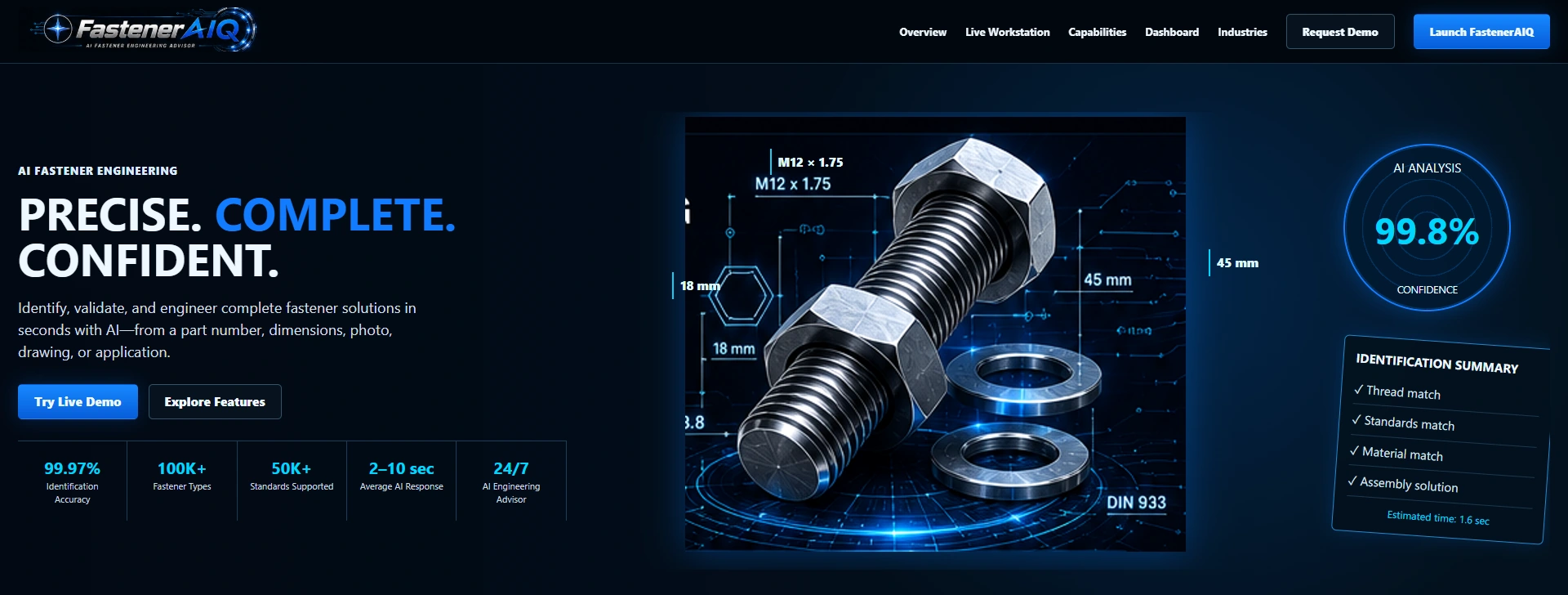
The demo presents a hex-bolt assembly kit, M12 dimensional details, class 8.8 steel and a zinc-plated finish. The displayed identification score and standards labels are sample outputs, not a certification of suitability for a real joint.
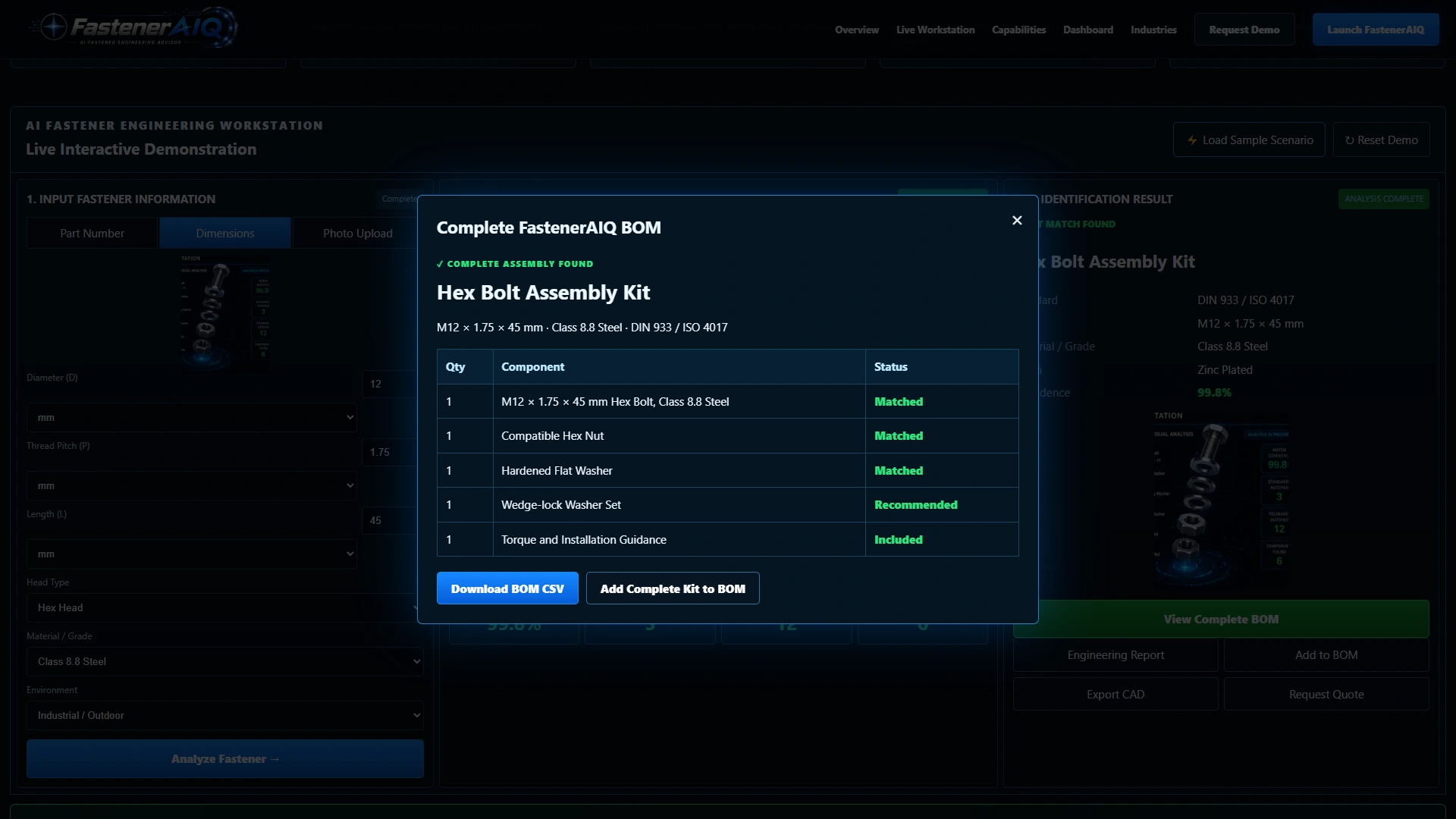
Open the sample bill of materials to see the proposed bolt, nut, flat washer, locking washer set and installation guidance together. It demonstrates how related items can be presented as one assembly; actual compatibility and quantities need verification.
The engineering-report view brings the sample dimensions, grade, finish and rationale together. Use it to discuss the information your team needs to review before selecting an assembly and confirming installation requirements.
Actual demonstration screens with sample outputs. Match scores, standards labels, assembly recommendations and installation notes are illustrative. Confirm specification, material, coating, thread engagement, loading and installation requirements with the manufacturer or a qualified supplier. Catalog, CAD and ordering connections are scoped individually.
Try the workstation, then explore the sample kit, BOM and engineering report.
A bolt is only part of the conversation. Give customers a place to bring dimensions, grade and environment together, then explore how the nut, washers and installation considerations could be presented alongside it.
Try it for yourselfThe dimensional route combines diameter, thread pitch and length with head type, material or grade, and environment choices.
The sample result and bill of materials bring the main fastener and related hardware together, rather than ending the conversation at one part number.
Explore the sample report, then discuss the catalog data, approved products, drawings and technical review your team needs in a production integration.
Give customers another way to explain their fastener requirements. FastenerAIQ demonstrates a guided starting point that can be planned around your product range, assembly knowledge and existing website.
Add a guided selection experience.
Keep your existing website.
The demo uses sample data. Your production scope is agreed individually.