▣ Selected Machine
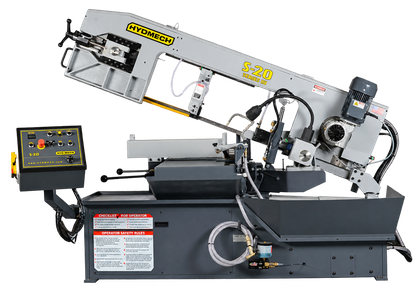
Hyd-Mech S20Horizontal SawMachine: S20-04

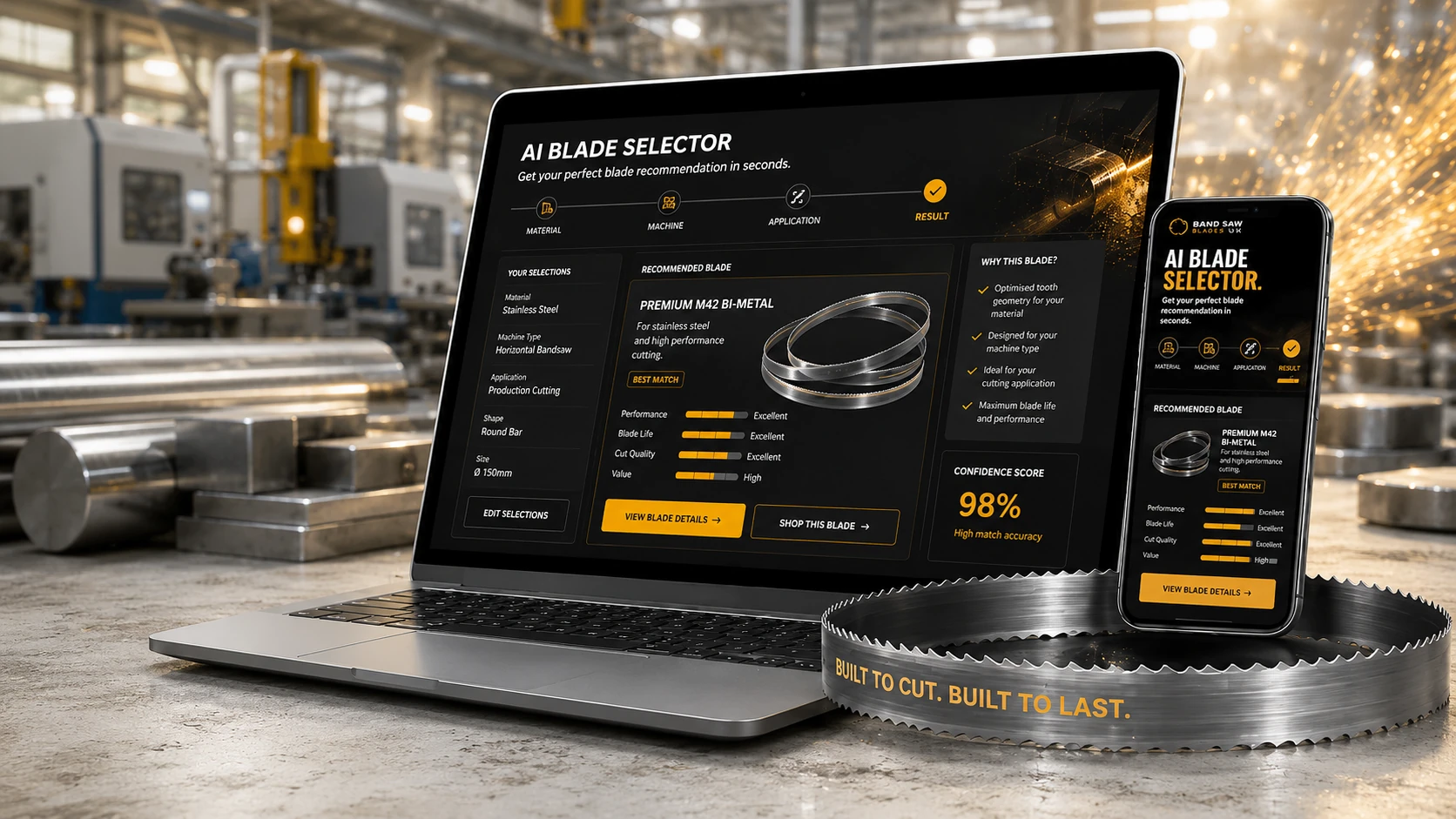
Industrial AI for Blade Selection
Answer a few simple questions and receive a professional blade recommendation based on machine, material, application and performance goals.
Your Hyd-Mech S20 profile is loaded. The most important updates are ready without slowing you down.
Engineering Interview
BladeAIQ will read the sentence, detect machine, material, shape and size, then build the engineering profile live.
Step 1
Choose the path that matches the customer’s situation.
Problem Mode
For the demo, BladeAIQ will still continue into a recommendation flow.
Step 2
Material choice drives tooth pitch, blade grade and cutting strategy.
Step 3
Type a machine or choose a common demo machine.
Step 4
Cross-section changes chip load, vibration and tooth engagement.
Step 5
Use the slider for a demo estimate.
Advanced Engineering Setup
BladeAIQ can work from a simple description, or expose the deeper application inputs experienced Blade Wizard users expect.
Step 6
This is where BladeAIQ optimizes for the business goal, not just the blade dimensions.
Engineering Intelligence Activated
Machine compatibility, material behavior, tooth geometry, blade life and cost-per-cut are being evaluated together.
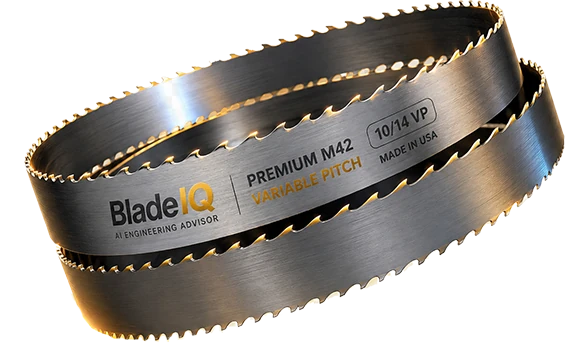
BLADEAIQ BEST MATCH
Premium M42 bi-metal blade engineered for demanding applications.
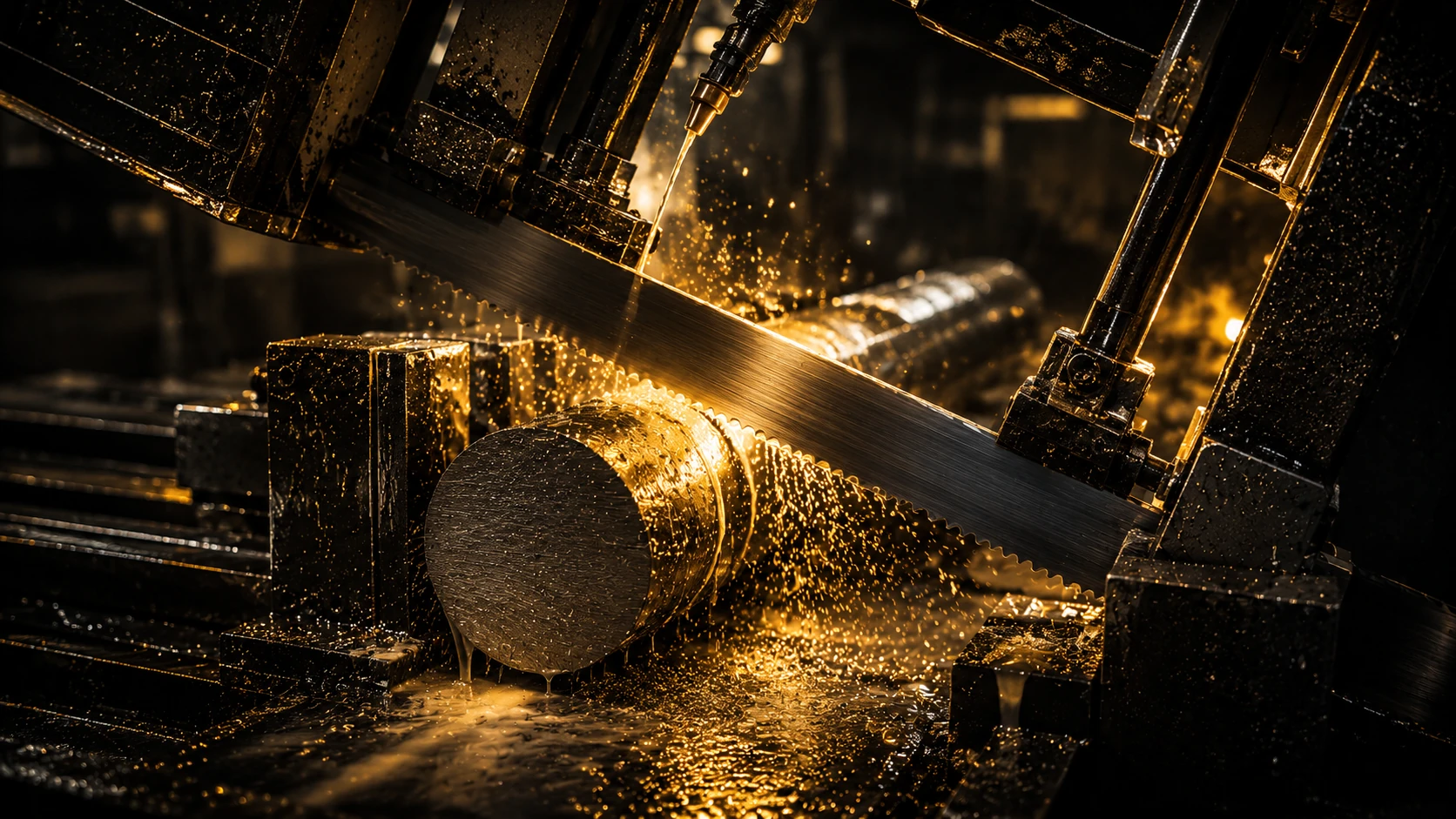
Machine MatchMatched to your saw and blade profile.
Material MatchBlade construction matched to your material.
Application MatchTooth pitch matched to the cut geometry.
Goal MatchRanked for your selected performance goal.
ENGINEERING LOGIC
Machine compatibility was included in the match.
Blade construction is appropriate for the selected material.
Pitch was selected for the entered geometry.
Your goal controls the recommendation ranking.
Compare real alternatives for your application. All options are ranked using BladeAIQ engineering intelligence.
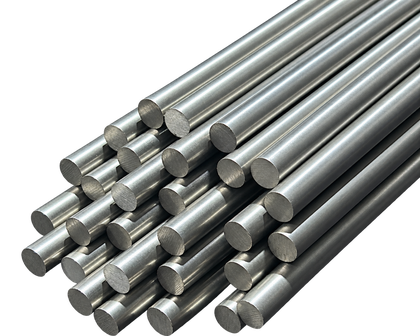
Best balance for the complete application. Optimized for 316 stainless steel with strong blade life, clean finish and predictable cost per cut.
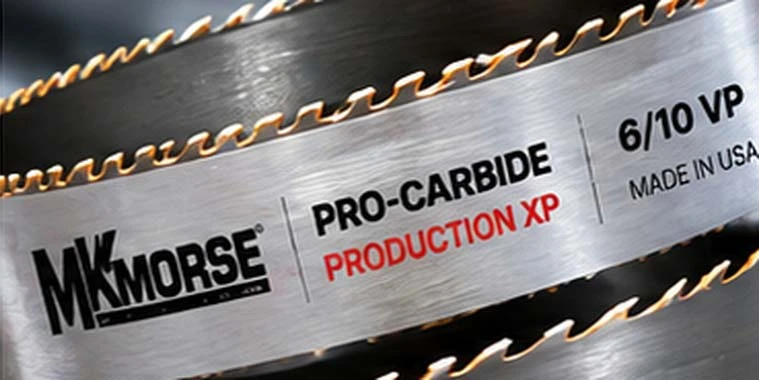
Prioritizes throughput and production speed. Excellent for high volume cutting with consistent finish.
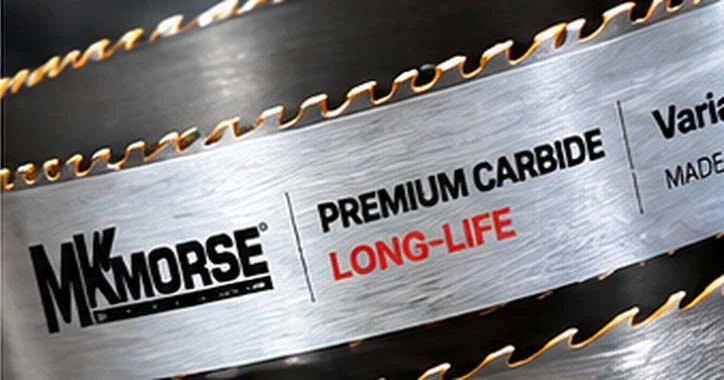
Extends blade life and reduces changeovers. Ideal for demanding materials and unattended operation.
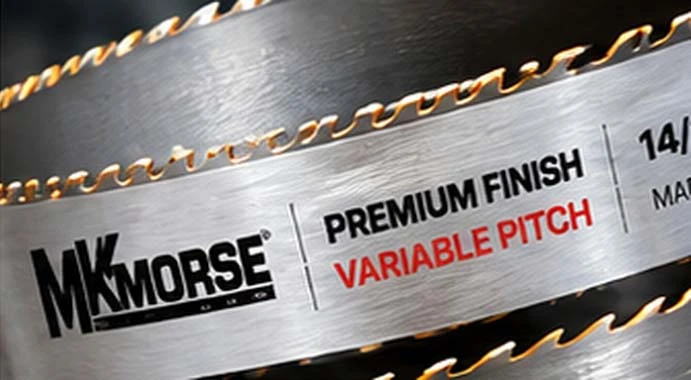
Optimized for smooth cutting and excellent surface finish with stable tooth engagement.
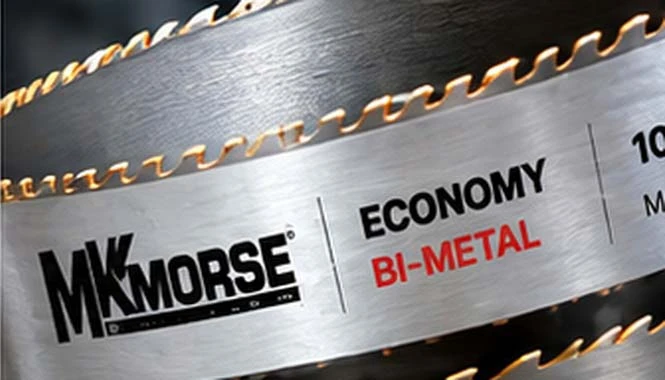
Shows the lower upfront-cost path and its trade-offs. Good performance for general purpose use.
Select up to 3 blades to compare key parameters.
Relative BladeAIQ performance profile for this application
DEMO / ILLUSTRATIVE — performance, blade-life and cost figures are presentation data until connected to validated MK Morse engineering tables and field history.
OPERATING PARAMETERS
Production values can be populated from MK Morse validated Blade Wizard/application data.
BLADE PASSPORT
Store the saw, material profile and recommended blade.
Place a QR code on the physical machine for instant recognition.
Capture blade results, operator feedback and application history.
Return directly to the correct blade and future recommendations.
ENGINEERING REPORT
A professional BladeAIQ report packages the selected blade, application profile, engineering reasoning and cutting guidance into one document.
Describe a cutting job, review the detected details, then explore a sample blade recommendation and compare alternatives. You can also use Guided Mode or Run Fast Demo.
Products, prices, stock, scores, forecasts and history are illustrative. Cart and BOM actions use temporary demo counters. This showcase does not place orders or validate a blade for a real saw.
A connected version could link a machine to its saved profile and history. This demo previews that idea; it does not provide a scannable machine QR or real account records.